
Every records request answered on time, from one record.
Requests arrive through your portal or are entered at the counter, the statutory clock starts on the day received, the fee comes off your published schedule, and the records go back to the requester from the same page.

A records request is a legal deadline, not a form in an inbox.
A prevention bureau answers requests for inspection reports, permits and investigation files it already holds. When the request lives in an inbox or a spreadsheet beside a response RMS, the deadline, the fee and the exemption are all somebody's memory.
The clock is counted by hand
A module with one due-date field leaves business days, the holiday calendar, a pause while you wait on the requester and an extension with a reason to a wall calendar.
The clock counts business days from the day received, pauses and extends under the statute, and says how many days are left.
A typed fee cannot be defended
A typed amount has no worksheet behind it when the requester asks how it was reached.
Copies by the page, personnel time by the hour, overhead and the written-estimate threshold come from your published schedule, on a worksheet the invoice carries.
The records are in another system
Finding the inspection report, the permit and the case file means searching the system they were written in, then attaching copies.
They were written here. Linking them to the request is a pick, and the release is recorded on the same page.
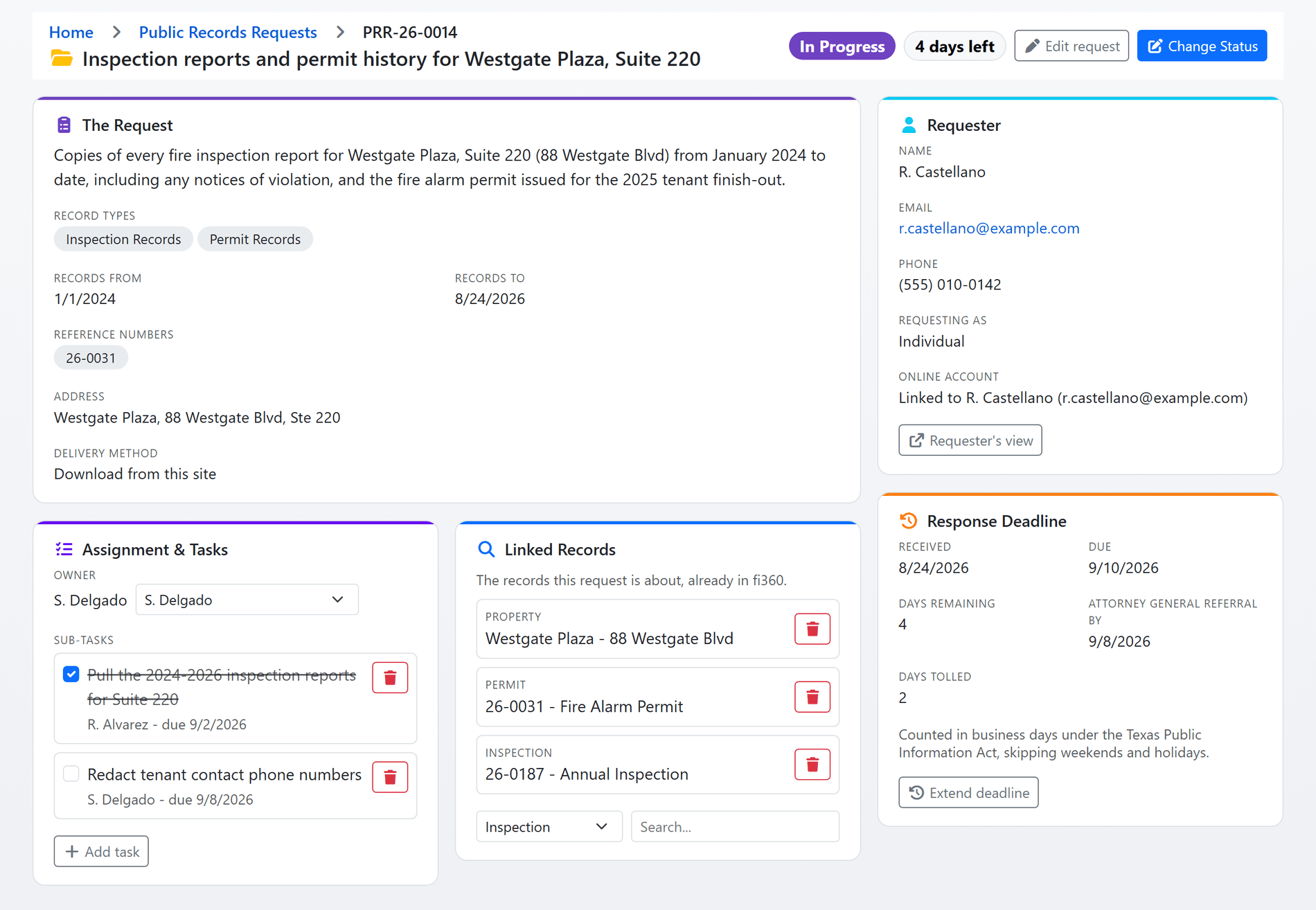
Shown with sample data. Click the image to see the whole page.
One page for the whole request.
A request submitted on your public portal, or entered by a clerk from a paper form, a phone call, a letter, an email or a counter visit, becomes one record: what was asked, who is asking, the clock, the owner and the sub-tasks, the linked records, the files and every message.
- Portal or counter: a requester files behind a public account; staff enter a request that arrived any other way and record the day it was received, so the clock starts on that day, not the day it was typed.
- Invite to track online: a requester whose request was entered for them gets a single-use link to claim it and follow it on their own page.
- Linked records: search your own inspections, permits, incidents, investigations, ITM reports, properties, public education events and billing records, and link the ones the request is about.
- Three file buckets: what the requester sent, what is released, and internal originals the requester never sees.
- An owner and sub-tasks: assign the request, hand the clerk pulling reports a task with a due date, and the assignee is emailed once a day when the deadline is within three days or past.
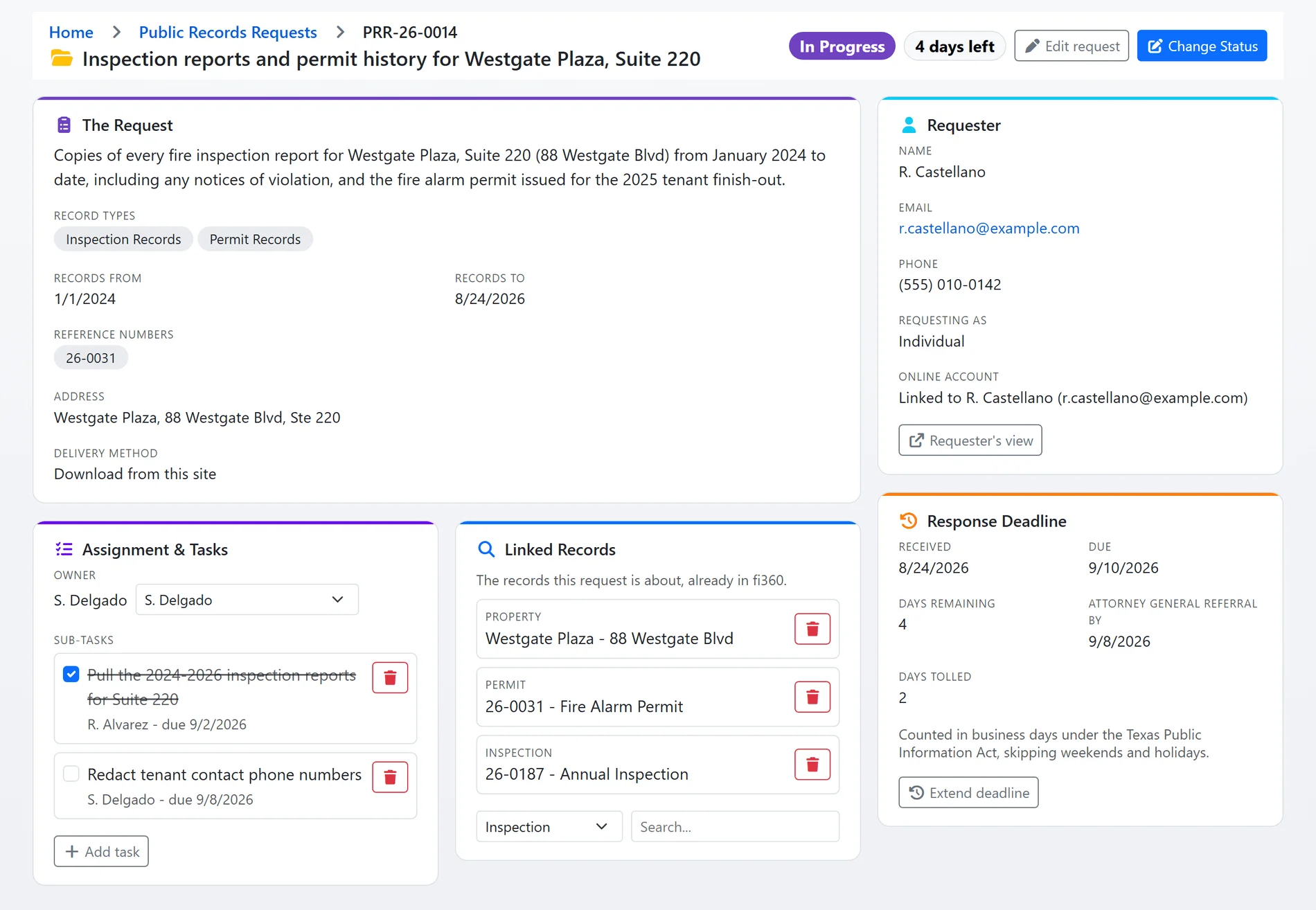
Shown with sample data.
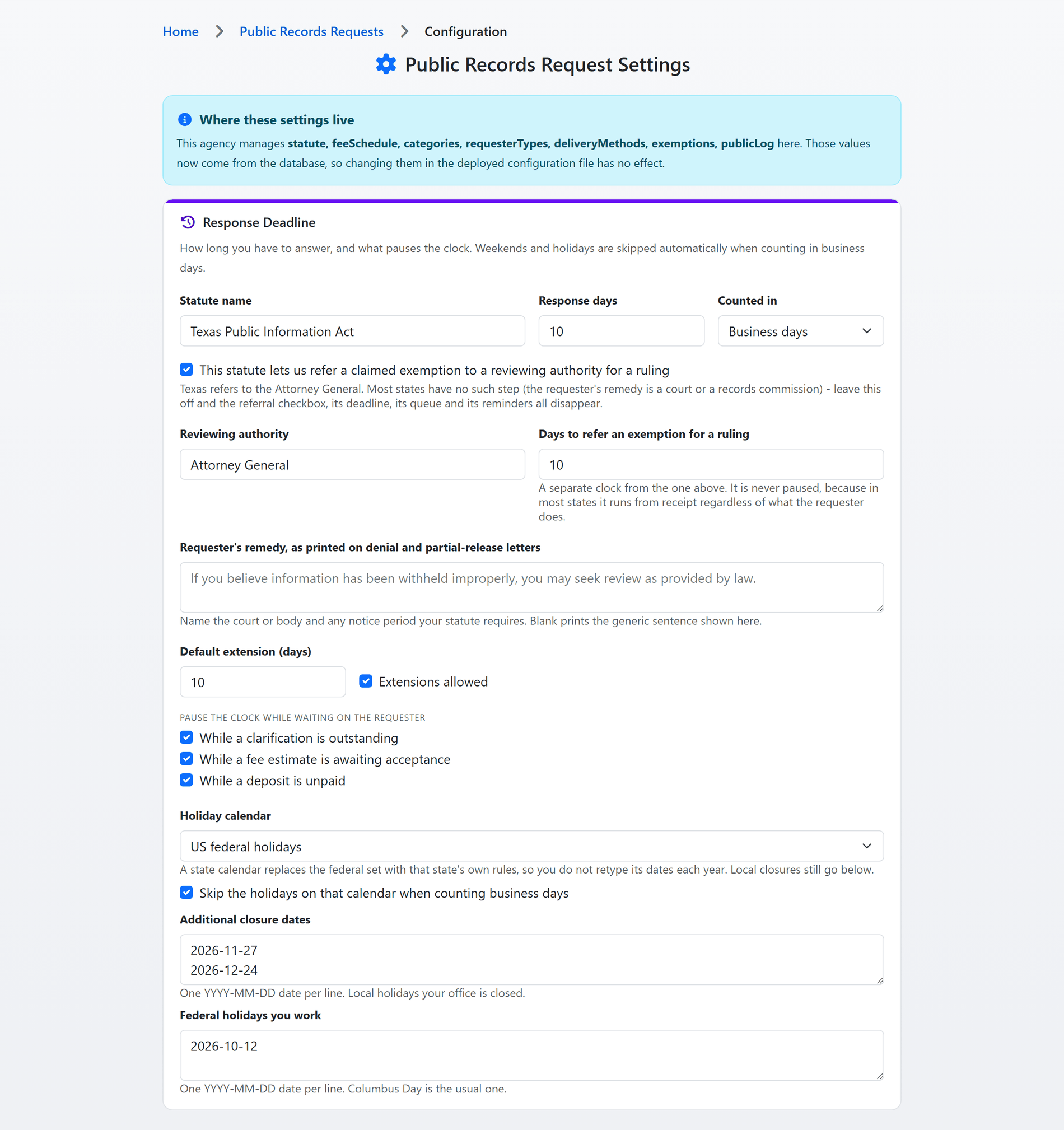
Shown with sample data. Click the image to see the whole page.
Business days, holidays and pauses, counted for you.
Set the statute once: how many days you have, counted in business or calendar days, which holiday calendar to skip, what pauses the clock and whether an extension is allowed. Every request's due date is then derived from its own event trail, never typed.
- Holidays without retyping: US federal holidays, or a state calendar defined by rule, plus your own closure dates and the federal holidays your office works.
- Pauses that hold the clock: while a clarification is outstanding, while a fee estimate awaits acceptance, while a deposit is unpaid. The tolled days show on the request.
- Extensions with a reason: a manager extends by a number of days, the reason is recorded, and an Extension letter can be generated.
- A second clock for a ruling: where the statute lets you refer an exemption to a reviewing authority, that deadline runs from receipt, is never paused, and has its own queue and reminder. States without that step switch it off.
- Overdue is derived: the Overdue queue and the requester's page read the same clock, so a paused request is never called late.
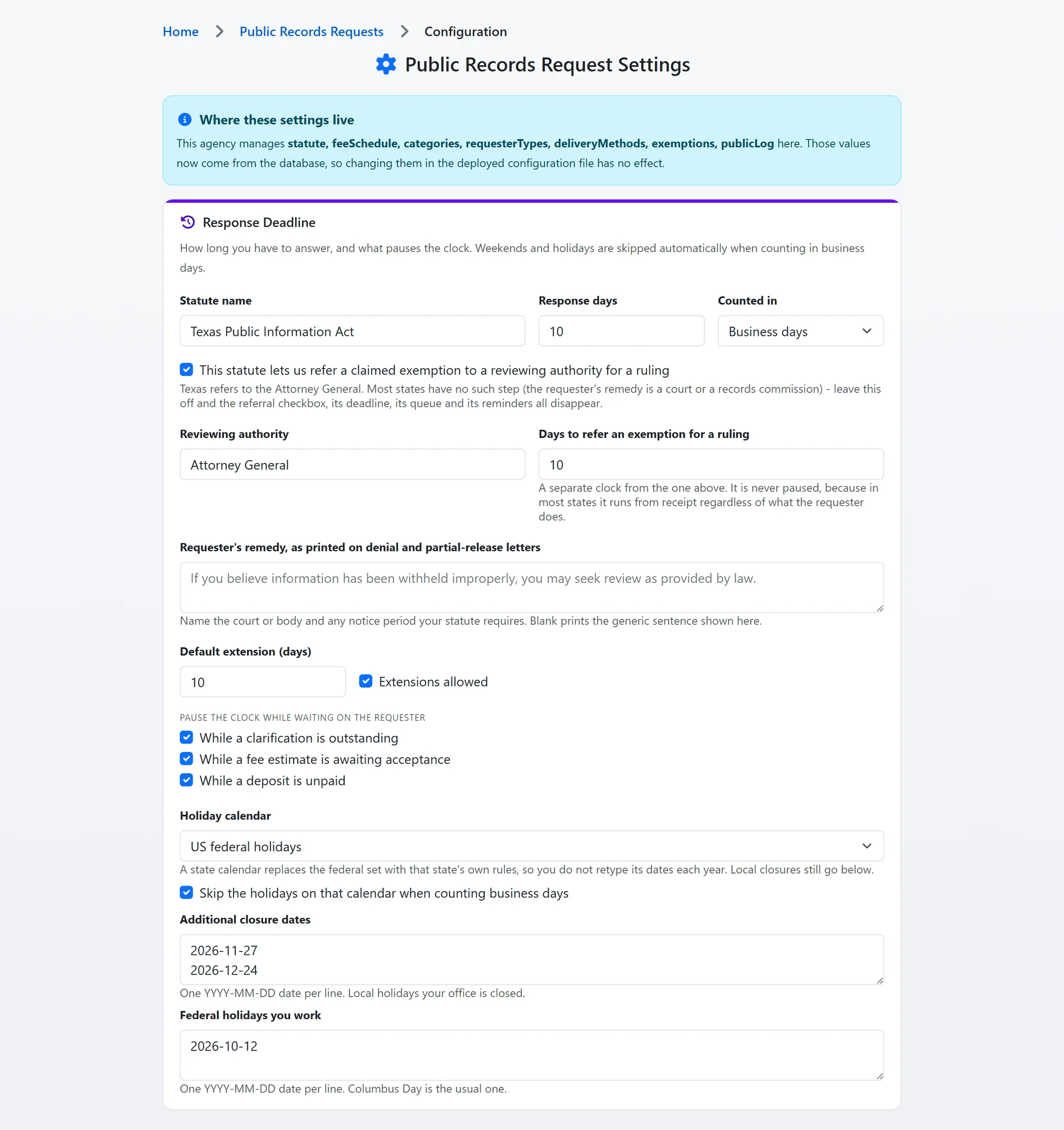
Shown with sample data.
Shown with sample data. Click the image to see the whole page.
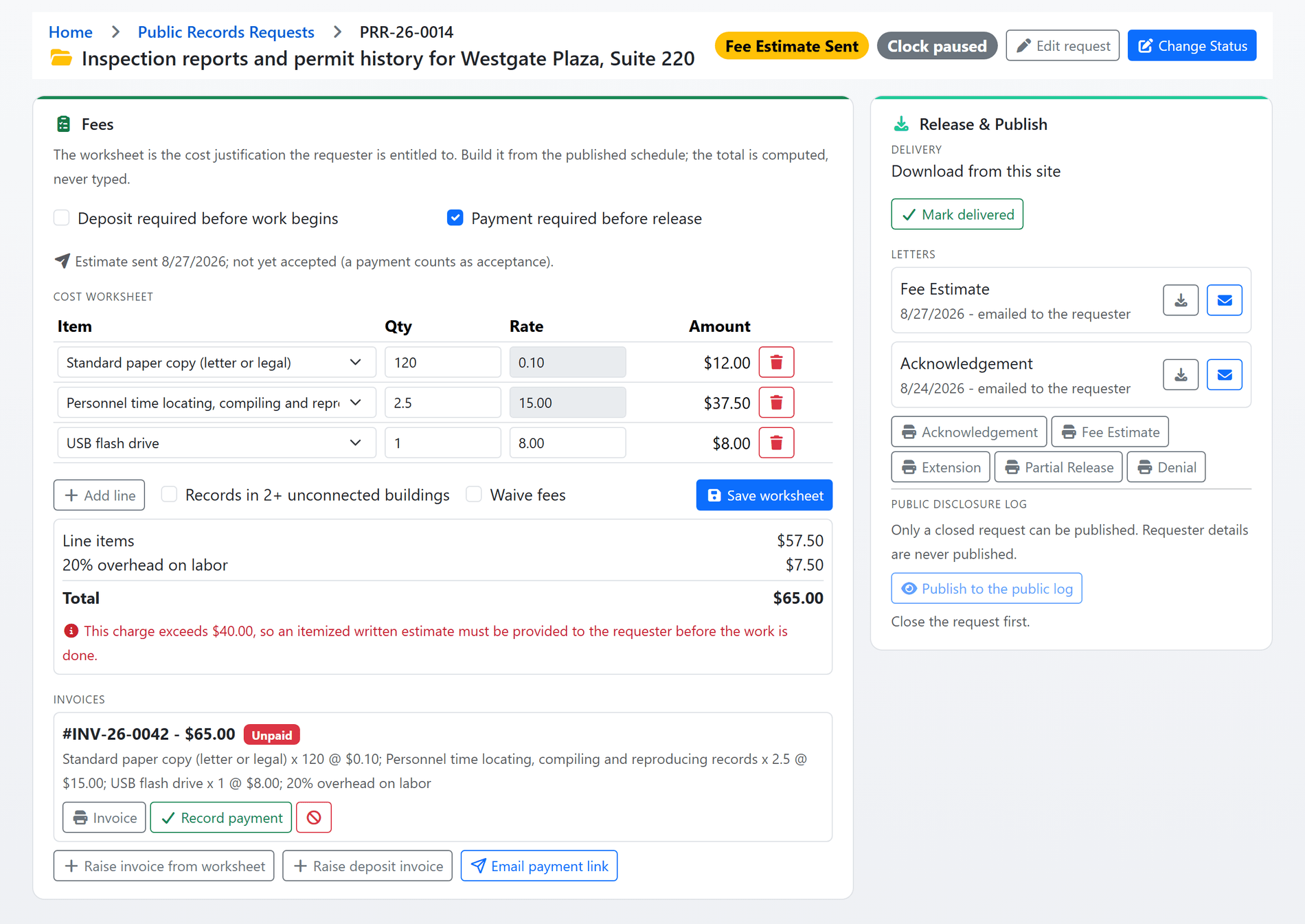
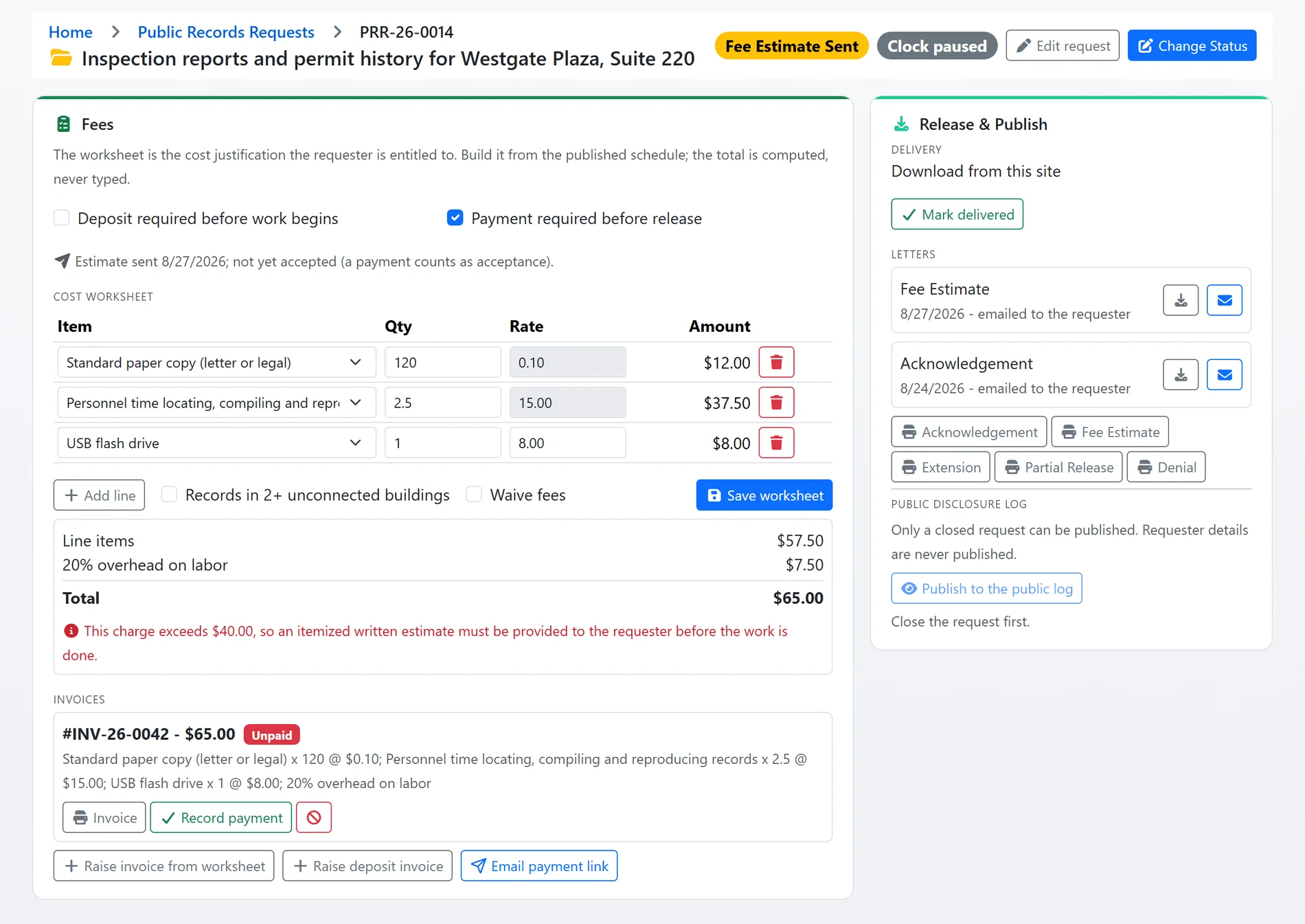
The fee is a worksheet, not a guess.
Every charge is a line priced from your published schedule: copies by the page, personnel time by the hour, media and postage at cost. The total is computed, the overhead rule is applied, and the statute's thresholds warn you before the estimate goes out.
- Your schedule, your rates: the item catalogue, the personnel rate, overhead on labor, the free-page rule and the free-hours rule live in settings and print on every estimate.
- Warnings from the statute: the worksheet says when a written estimate is required and when a deposit may be asked for.
- Deposit and payment gates: require a deposit before work begins or payment before release, and the status change is refused until the invoice is paid.
- Paid online: an invoice or an emailed payment link takes the requester to a page where they pay through your own payment processor. A payment while the estimate is out counts as acceptance and moves the request to In Progress.
- Waived or taken at the counter: waive the fee with a reason, or record a check or cash payment with the payer and receipt number.
Shown with sample data.
Shown with sample data. Click the image to see the whole page.
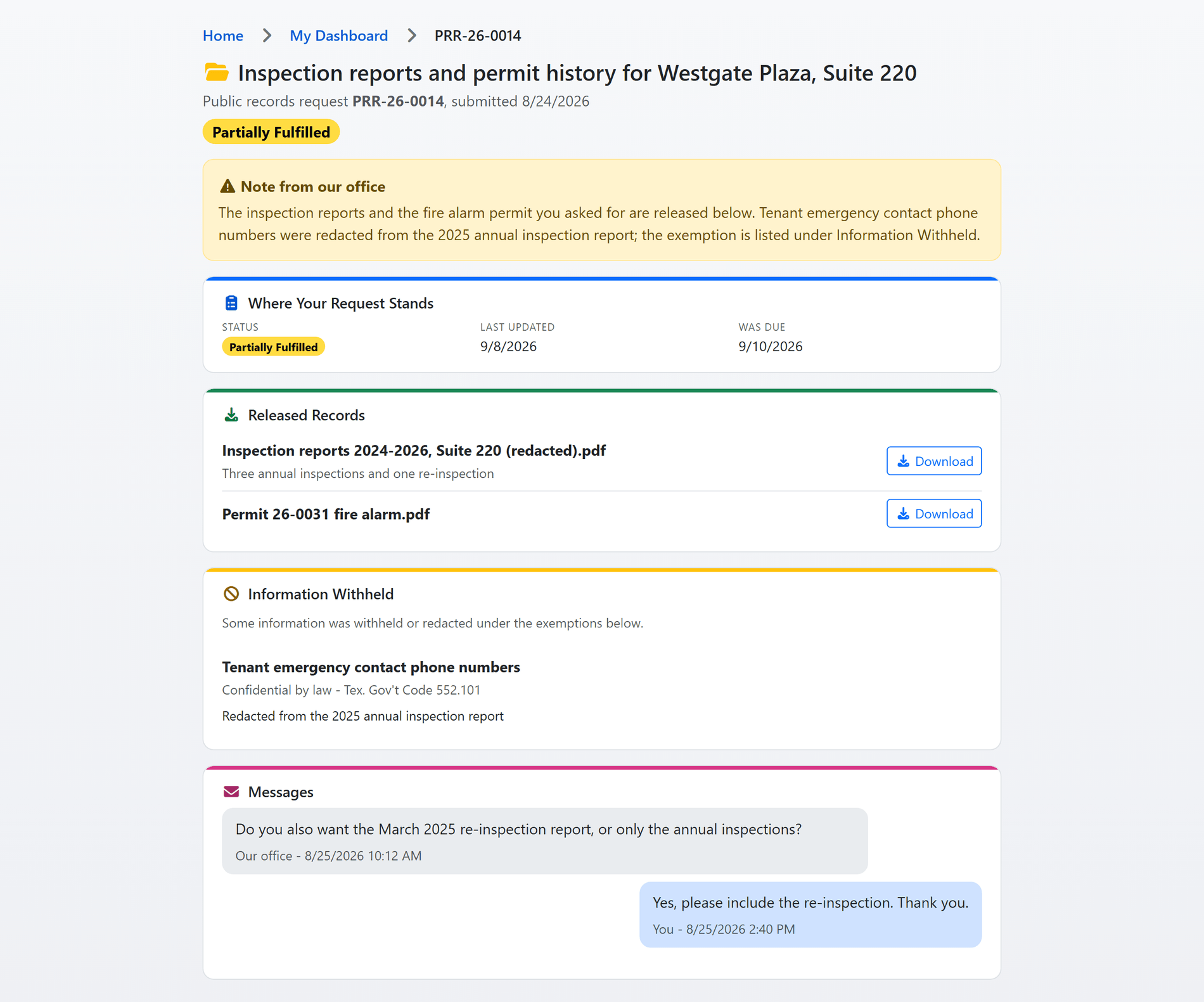
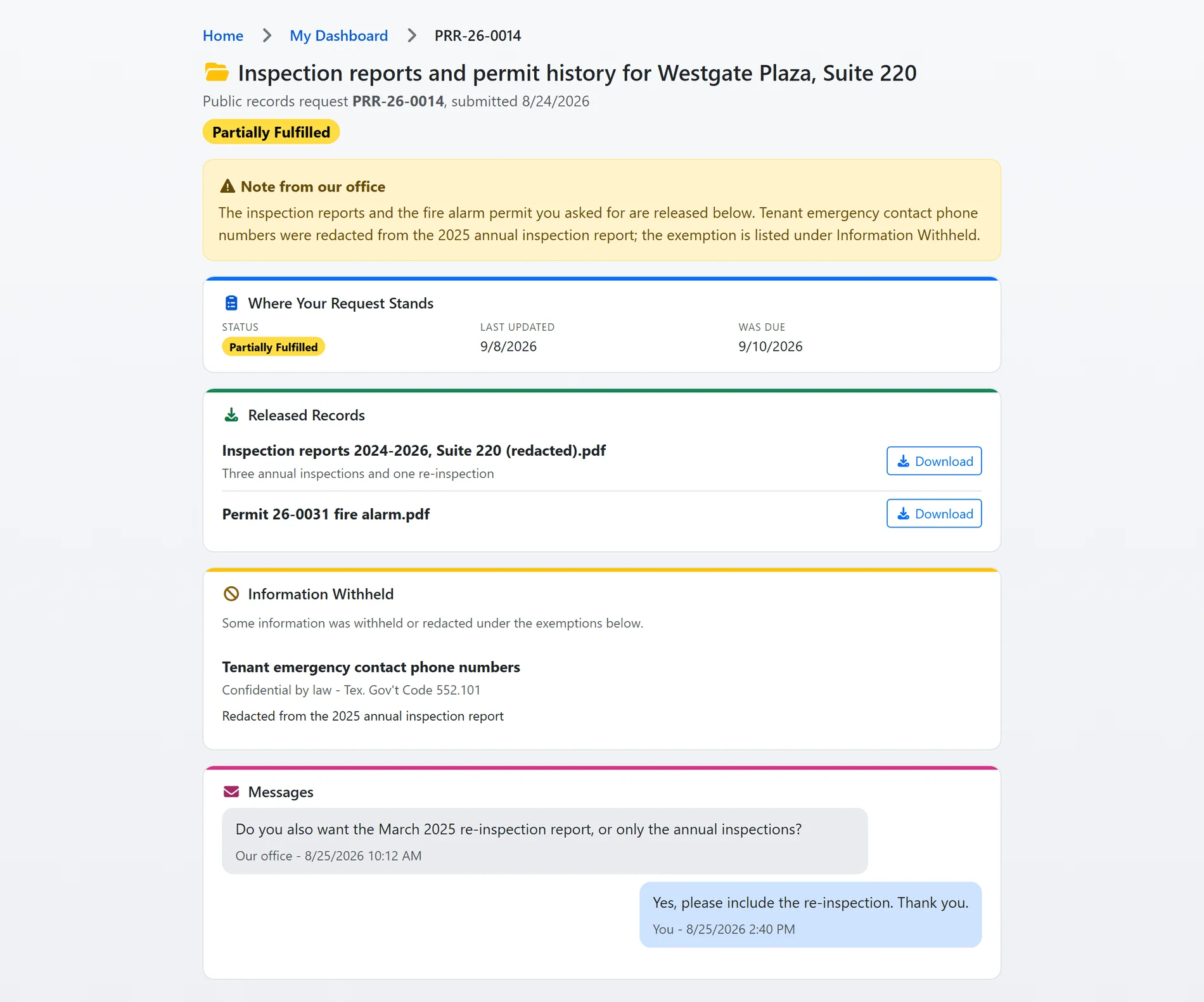
The requester sees what you see.
The requester's own page shows where the request stands, when you will respond, the note from your office, the released records to download and every exemption cited for what was withheld. They can answer a clarification, accept an estimate, message your office or withdraw, all without a phone call.
- Released records: download from the site, email, mail, pickup or physical media, and downloads are held while pay-before-release money is outstanding.
- Withholdings with a citation: a denial or a partial release cannot be recorded without at least one exemption, picked from your configured list or typed.
- Letters from the record: Acknowledgement, Fee Estimate, Extension, Partial Release and Denial on your letterhead, downloaded or emailed to the requester with one click.
- Emails at every step: received, clarification requested, fee estimate, ready for pickup, fulfilled and denied, each in your own wording.
- Two-way messages: a thread on the request the requester replies to, with internal notes only your staff can see.
Shown with sample data.
And that is only the start
Nine statuses, one rule book
Submitted through In Progress, Ready for Release, Fulfilled, Partially Fulfilled, Denied and Withdrawn. Every move is checked on the server, and the status menu only offers what the rules allow.
Queues for the records desk
All, Open, Overdue, Unassigned and Mine in one list, with counts in the sidebar and filters by assignee, record type and requester type.
Beyond one state
The statute is a profile: the reviewing authority on or off, the remedy sentence printed on letters, a state holiday calendar and free hours of personnel time, all set by your records manager.
A public disclosure log
Optionally publish a closed request's released files on a public page under a title your office writes. Nothing about the requester is ever published.
Analytics for the chief
On-time rate against the derived deadline, median days to close, fees assessed and collected, an aging view and the overdue list, exported to a board-ready PDF.
Every action on the record
Status changes, assignments, files, withholdings, letters and payments each write an audit row, so the history of a request can be read months later.
See it with your own statute and fee schedule.
A one-hour walkthrough with a fire prevention expert, or the demo site right now.